What you can direct
-
01
Sky canvas studio
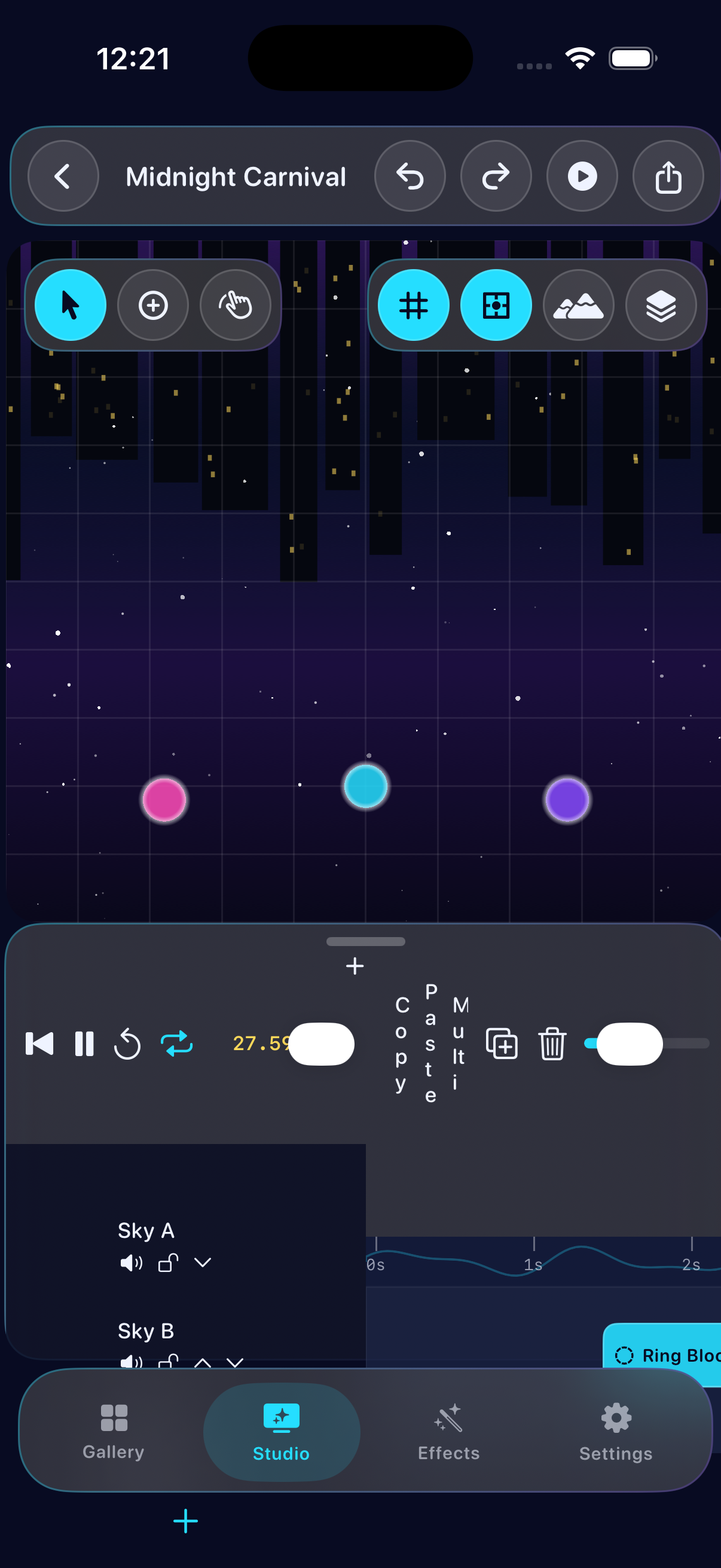
Place neon launch pads, shape particle bursts, and scrub a synchronized playhead across overlapping effects.
-
02
Twelve distinct effects
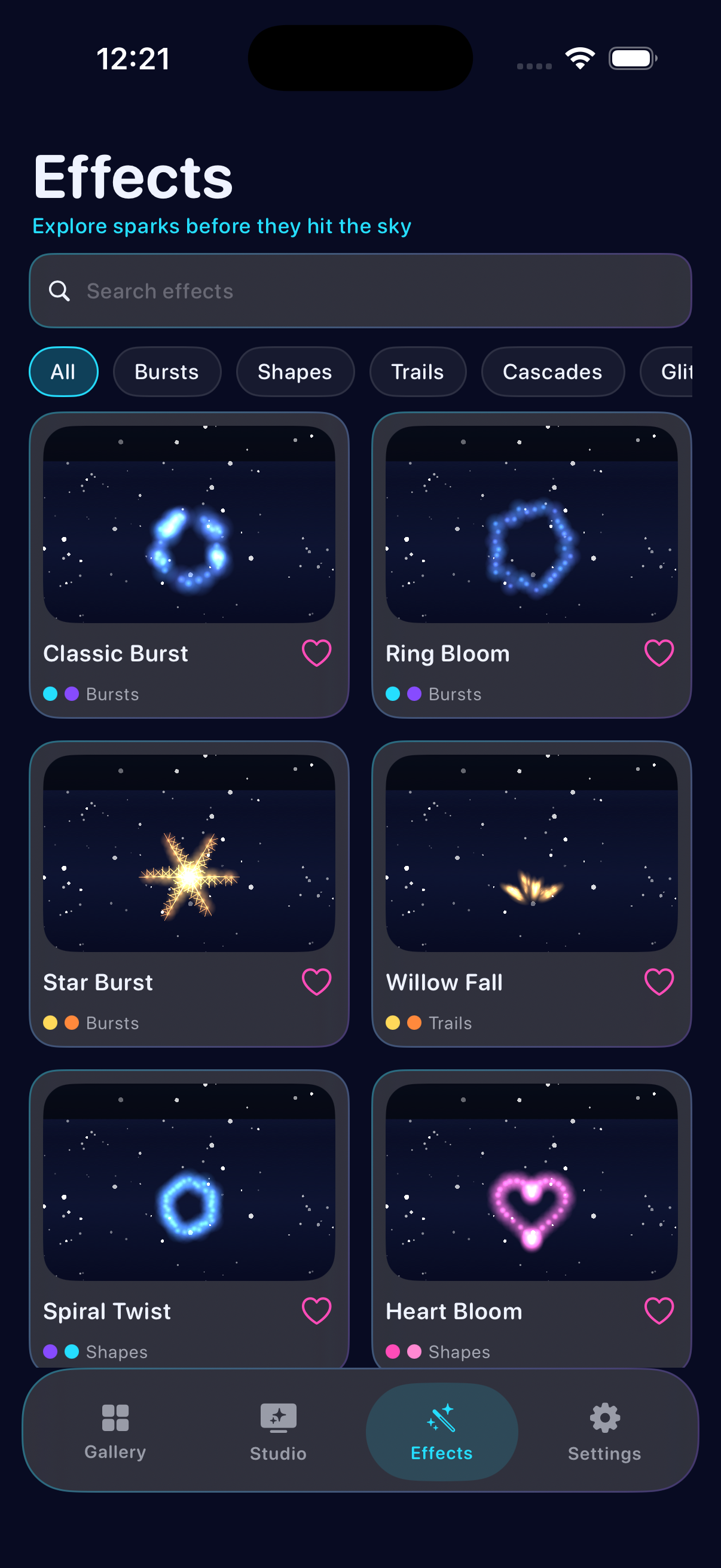
Bursts, rings, stars, willows, spirals, hearts, palms, glitter, comets, double blooms, color waves, and cascades.
-
03
Export your show
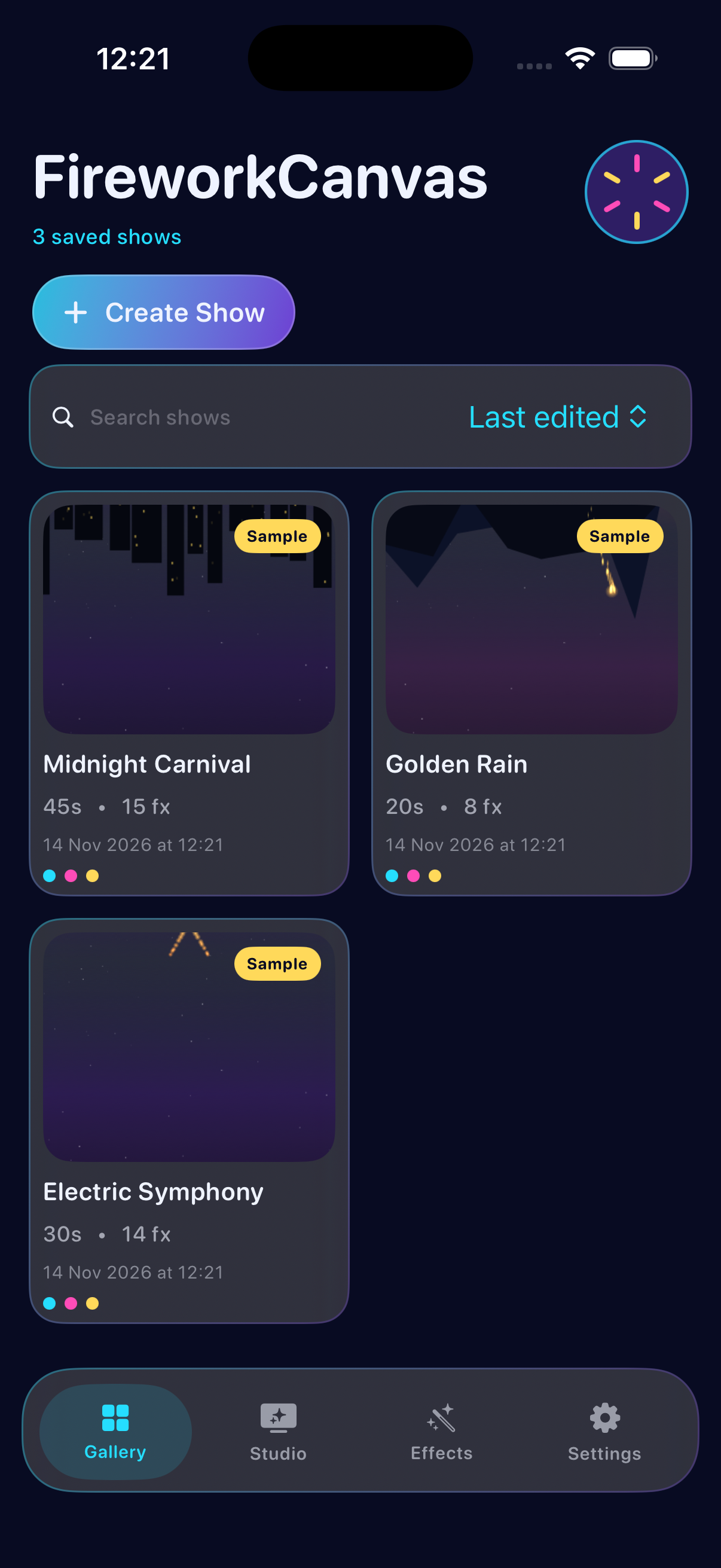
Preview fullscreen, then export PNG frames, MP4 video, or editable project backups — all stored on device.
Inside the app
Privacy Policy
FireworkCanvas is built to work entirely on your iPhone. Shows, presets, settings, and exports stay in local device storage. The app does not require an account and does not send your compositions to a remote server as part of normal use.
Information we store
Project files, effect presets, thumbnails, and preference toggles are saved in the app’s Application Support area on your device. You can delete projects or clear generated thumbnails from Settings.
Permissions
If you choose to save an exported image or video to Photos, iOS will ask for photo library access. Permission is used only to write the files you export. Declining permission does not block designing or previewing shows.
Network
FireworkCanvas does not rely on network requests, analytics SDKs, advertising networks, or cloud accounts for its core features.
Children
The app is a creative animation tool and is not directed at children under 13. Do not provide personal information of children through support channels.
Changes
If this policy changes, the updated text will appear on this page. Continued use after an update means you accept the revised policy.
Support
Need help placing launch pads, timing effects, or exporting a show? Email us and include your iPhone model and iOS version so we can reply faster.
We aim to respond within a few business days. FireworkCanvas is provided as-is for creative animation only — it is not a real-world pyrotechnics controller.